





Prerequisites
- An Asymptote account (sign up here)
- Admin access to the GitHub repositories you want to connect
Overview
Connecting your GitHub account gives Asymptote visibility into your repositories so it can review pull requests, enforce security policies, and detect vulnerabilities before they reach production.Steps
Sign into GitHub
Visit this link to install the Asymptote GitHub App.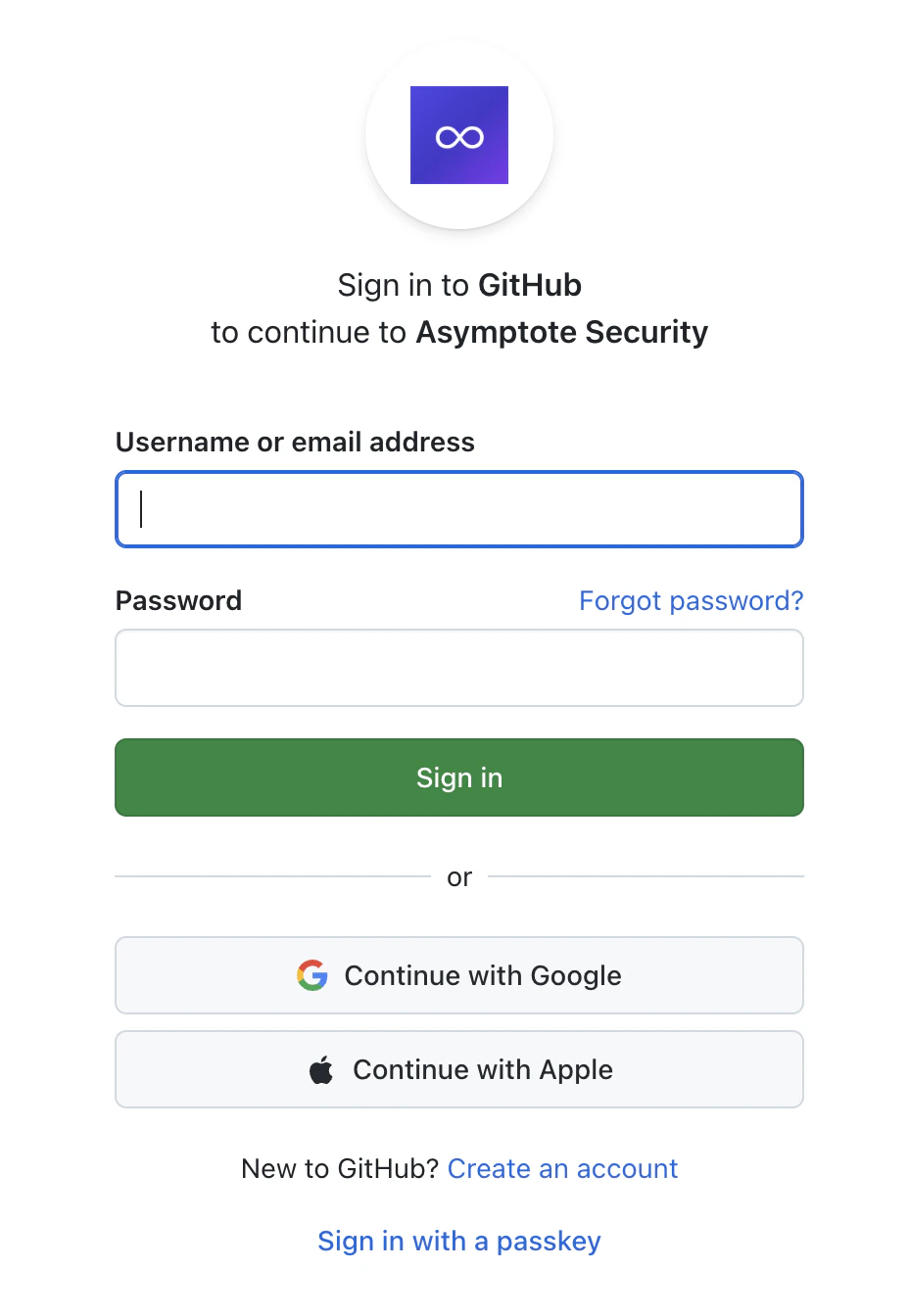
Authorize GitHub Integration
You’ll be redirected to GitHub to authorize Asymptote’s access to your repositories. Asymptote requires the following permissions: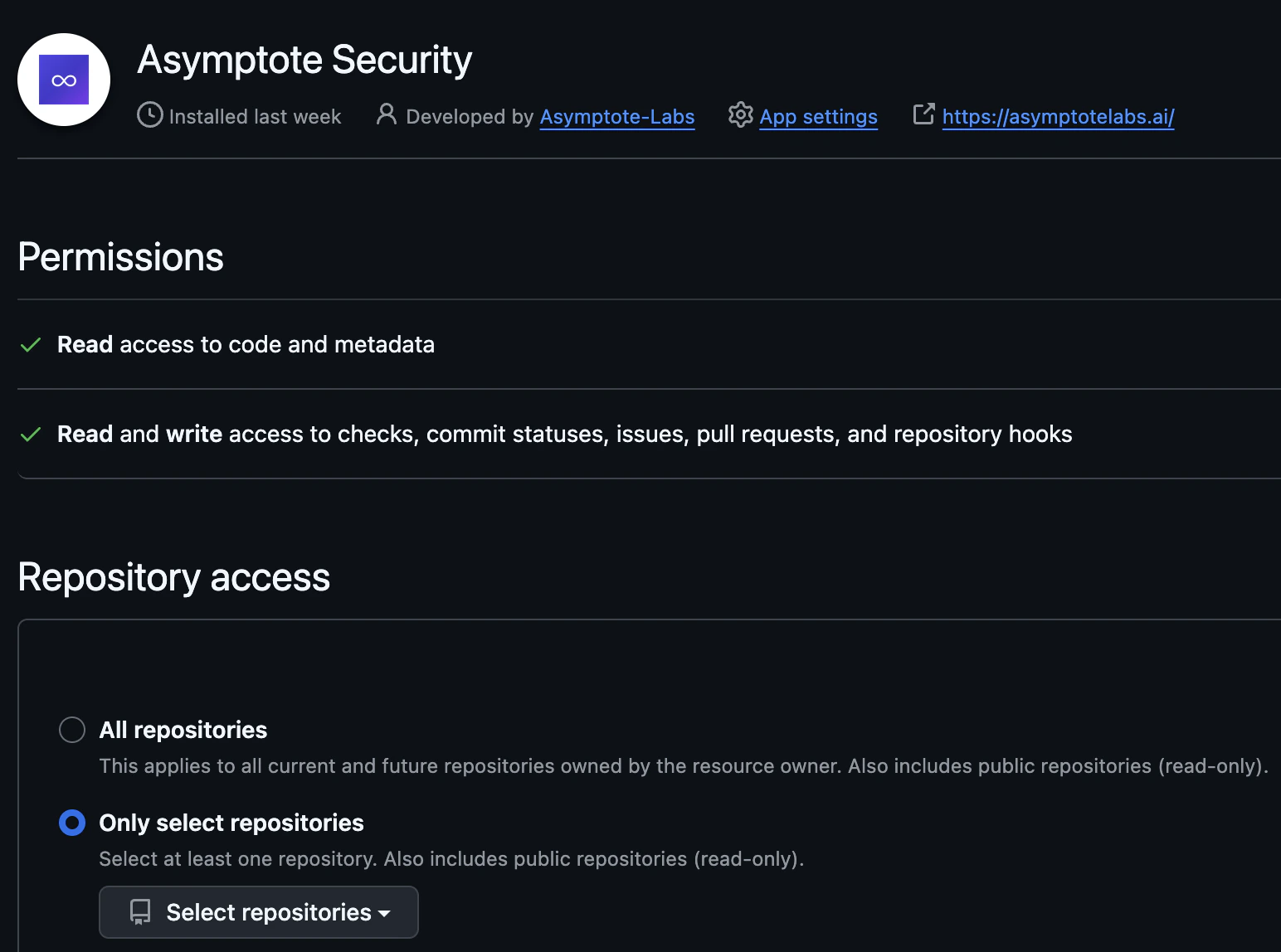
- Read access to repository code and metadata
- Webhook access to receive real-time repository updates
- Read and write access to checks and commit statuses, issues and pull requests, and repository webhooks
Next Steps
Once GitHub is connected, set up GitHub Security PR Reviews to add Asymptote to your CI pipeline.Having trouble connecting GitHub? Contact us at support@asymptotelabs.ai.