





Overview
Invite developers, security engineers, and team leads to your Asymptote organization so everyone has visibility into security findings and policy enforcement.Steps
Navigate to Organization Management
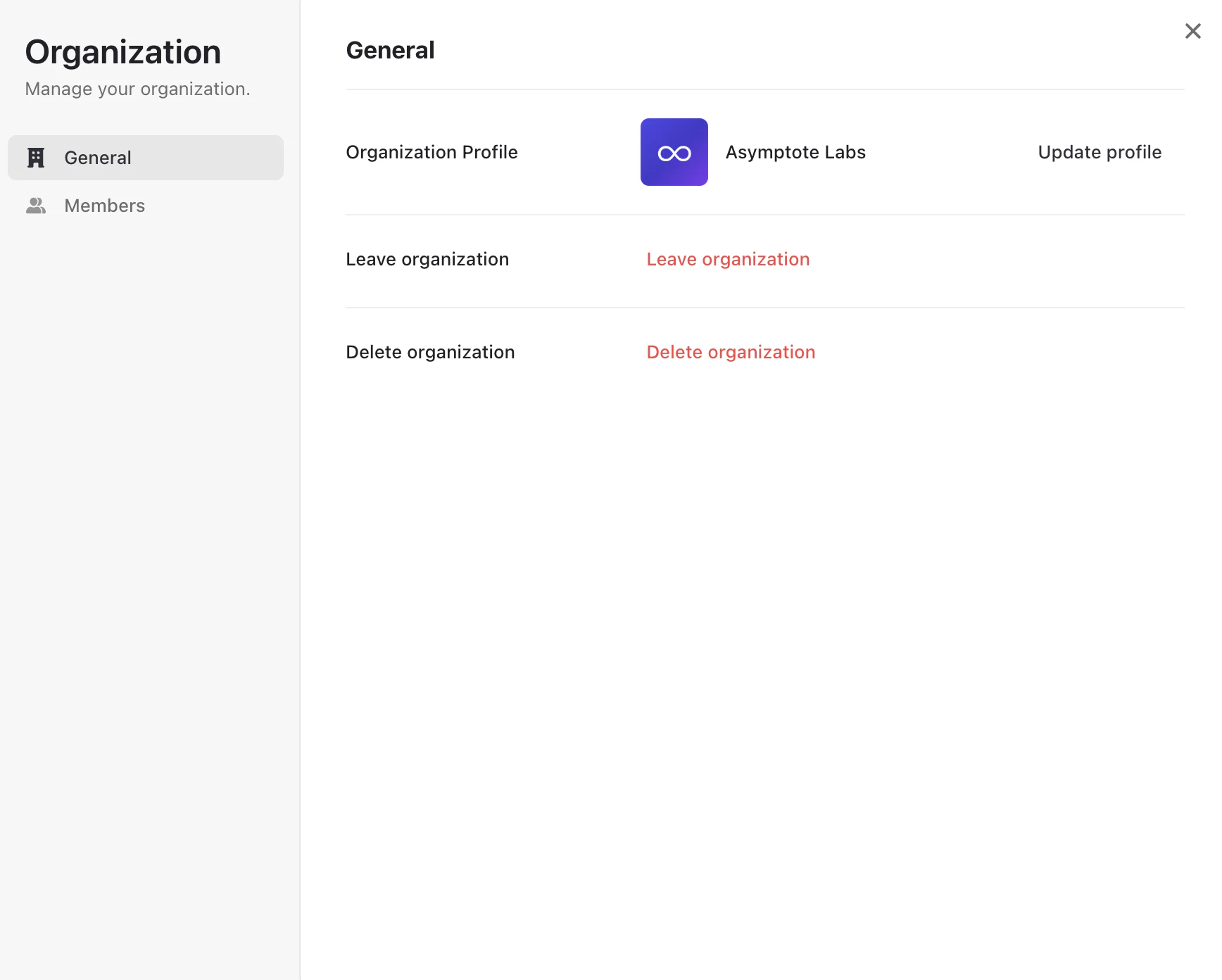
From the dashboard, click your organization name in the top navigation bar and select Manage from the dropdown.
Invite a Member
Under the Members tab, click Invite and enter the email address of the person you’d like to add.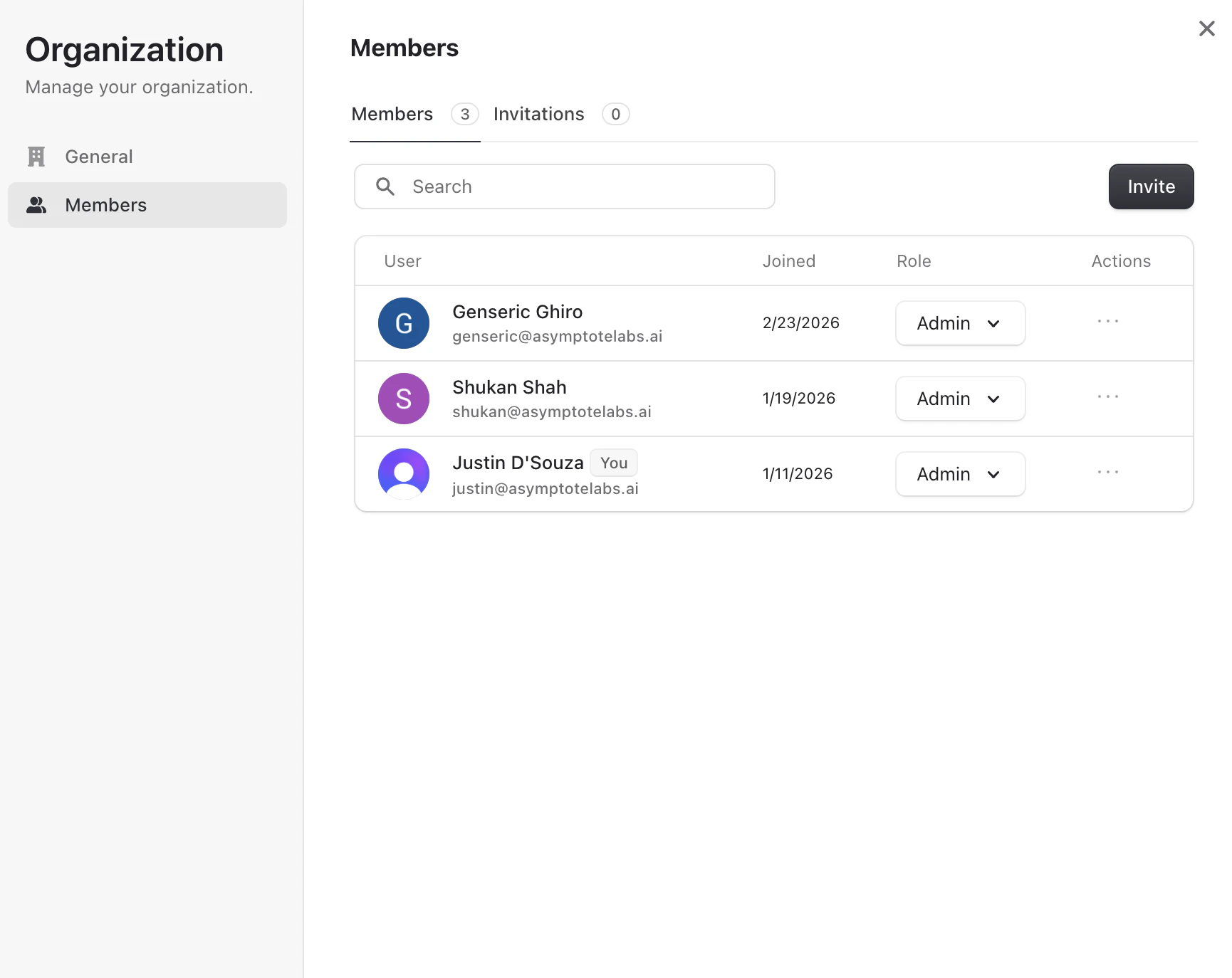
Assign a Role
Select the appropriate role for the new member:
| Role | Access |
|---|---|
| Admin | Full access including organization settings and team management |
| Member | Access to repositories, findings, and policy packs |
Managing Team Members
From Organization → Members you can:- View pending invitations under the Invitations tab
- Change a member’s role at any time using the role dropdown next to their name
- Remove members via the actions menu on their row
Questions about team setup? Reach out at support@asymptotelabs.ai.