

CrowdStrike Falcon LogScale
Beaconv0.0.27 adds optional CrowdStrike Falcon LogScale HTTP Event Collector (HEC) forwarding through the bundled collector. Beacon still writes every normalized endpoint event to the active runtime JSONL log; Falcon HEC forwarding is an additional collector destination for teams that want Beacon telemetry in Falcon LogScale searches and detections.
Use this path when you want Beacon’s collector to send OTLP logs, traces, and metrics directly to a customer-managed Falcon LogScale HEC endpoint. The collector stores the Falcon ingest token in local Beacon collector configuration, so provide it through your endpoint-management secret store or deployment tooling.
Runtime log paths
| Mode | Runtime log |
|---|---|
| User mode | ~/.beacon/endpoint/logs/runtime.jsonl |
| System mode | /var/log/beacon-agent/runtime.jsonl |
/var/log/beacon-agent/runtime.jsonl while the collector forwards to Falcon LogScale.
Falcon LogScale data connection
Use CrowdStrike Falcon LogScale data onboarding to collect Beacon endpoint telemetry from local JSONL logs. Beacon writes one JSON object per line, so create a custom parser before creating the data connection.Open data onboarding
In CrowdStrike Falcon, go to Next-Gen SIEM > Log management > Data onboarding.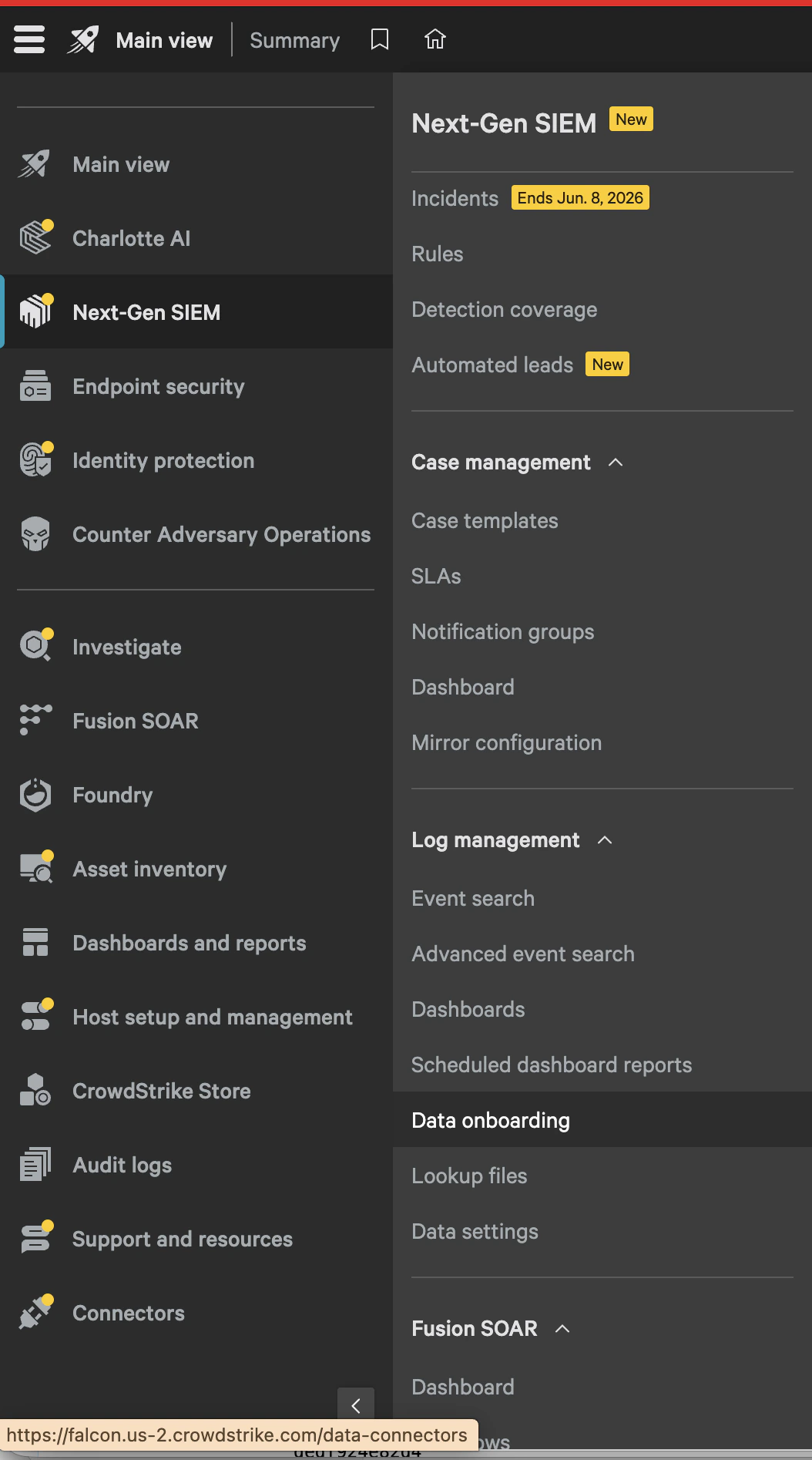
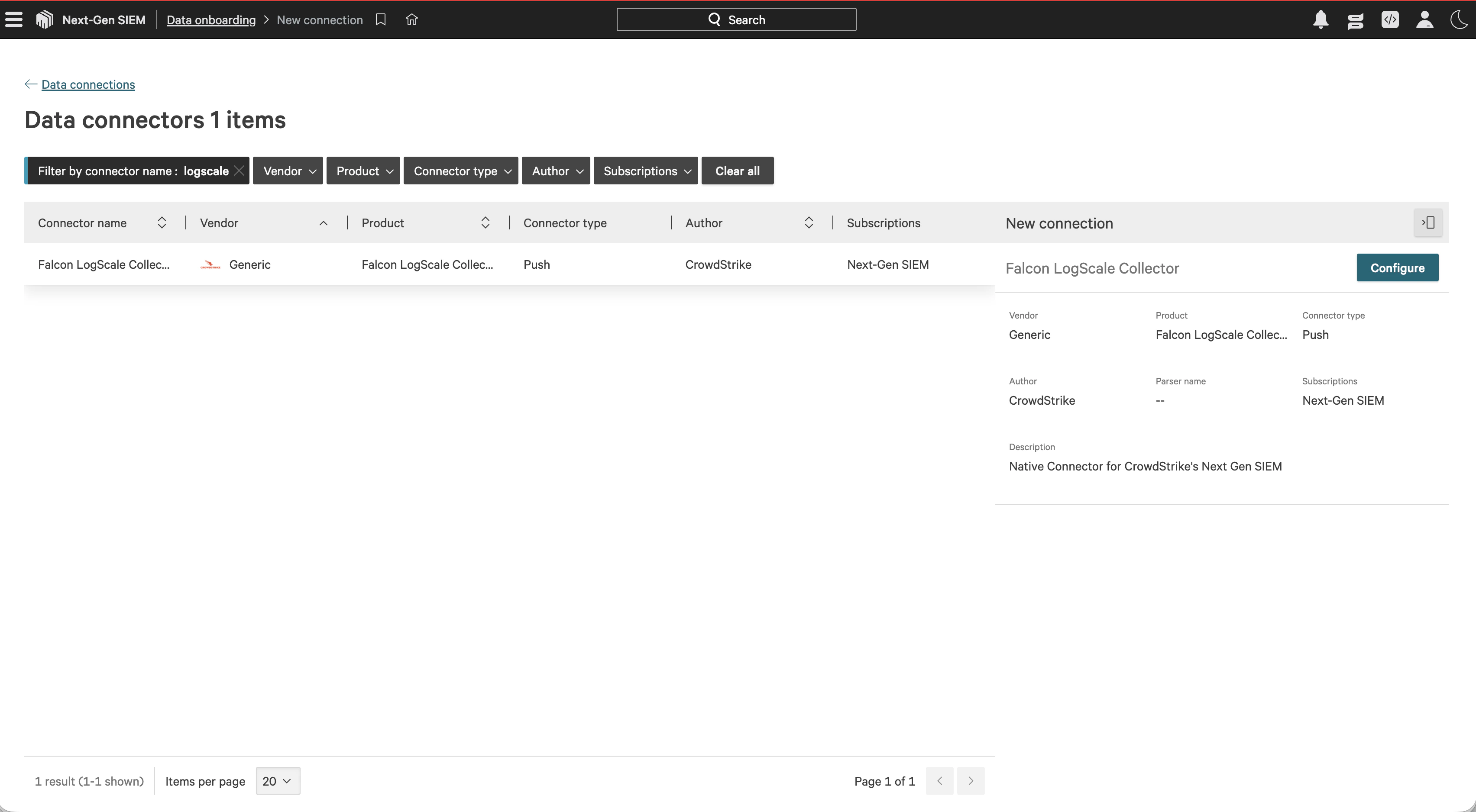
Select the Falcon LogScale Collector
Search forlogscale, select Falcon LogScale Collector, then choose Configure.
Create the Beacon parser
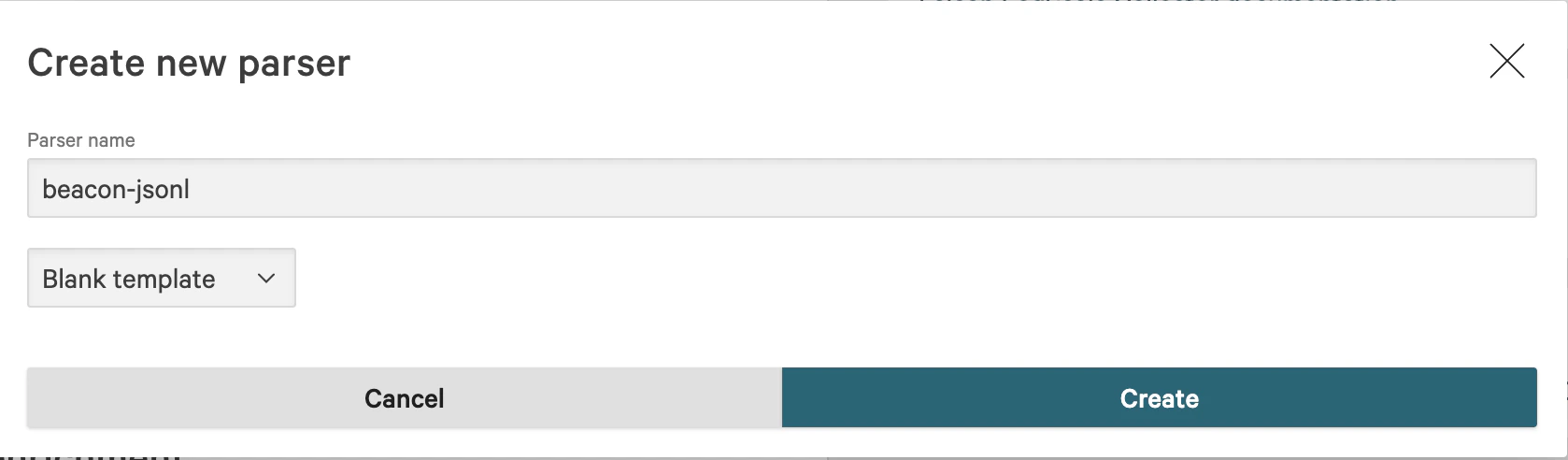
In Parsing and enrichment, select Create new parser. Name the parserbeacon-jsonl, choose Blank template, and create the parser.
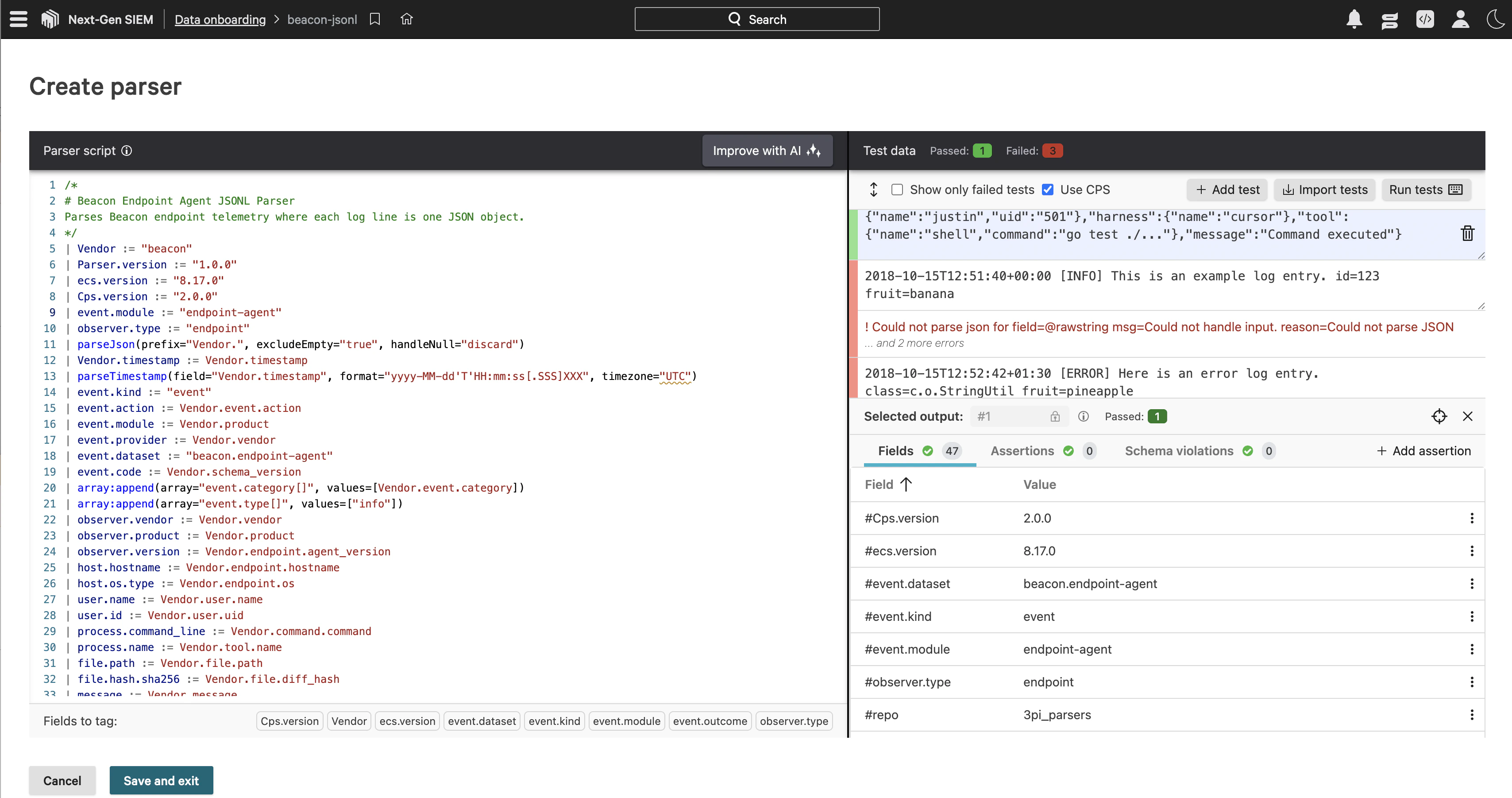
event.dataset, event.action, host.hostname, user.name, process.name, and message. Events that include command.command also populate process.command_line. Save the parser when the sample event passes.
Create the data connection
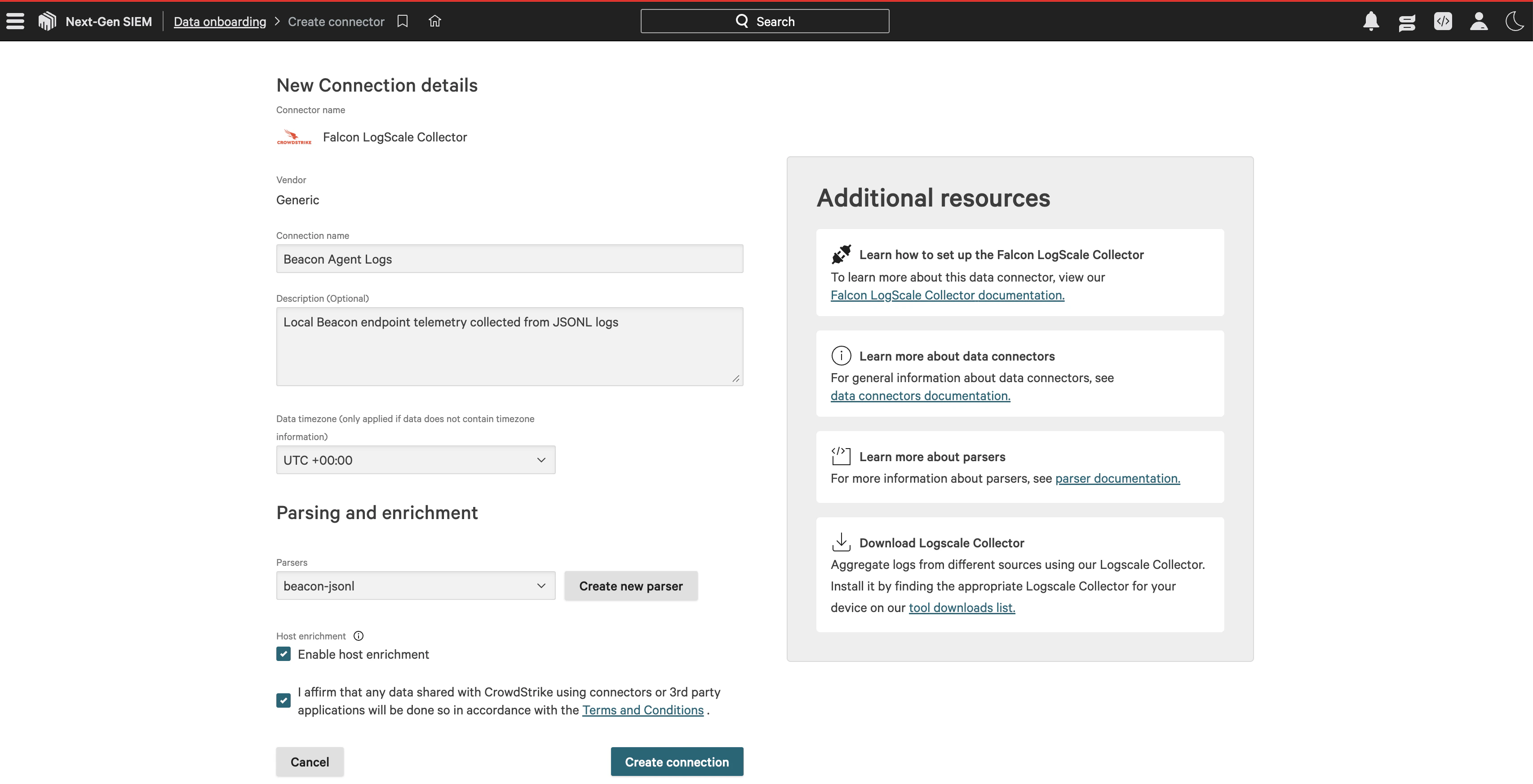
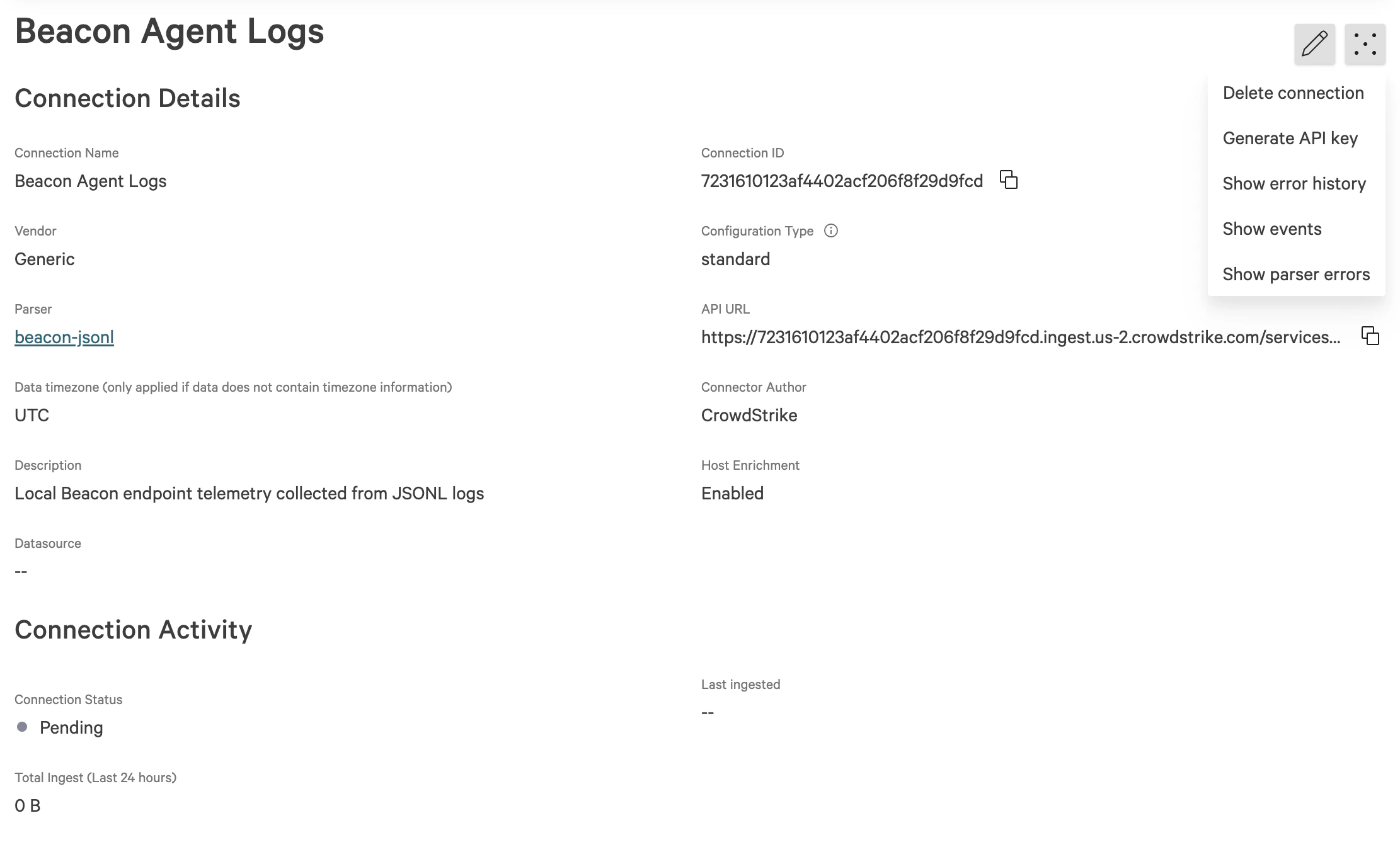
Return to the Falcon LogScale Collector connection details. Enter a connection name such asBeacon Agent Logs, add a description, select the beacon-jsonl parser, enable host enrichment if desired, accept the connector terms, and create the connection.
Run a smoke test
Run this local smoke test, replacing the token value with the API key generated for your data connection: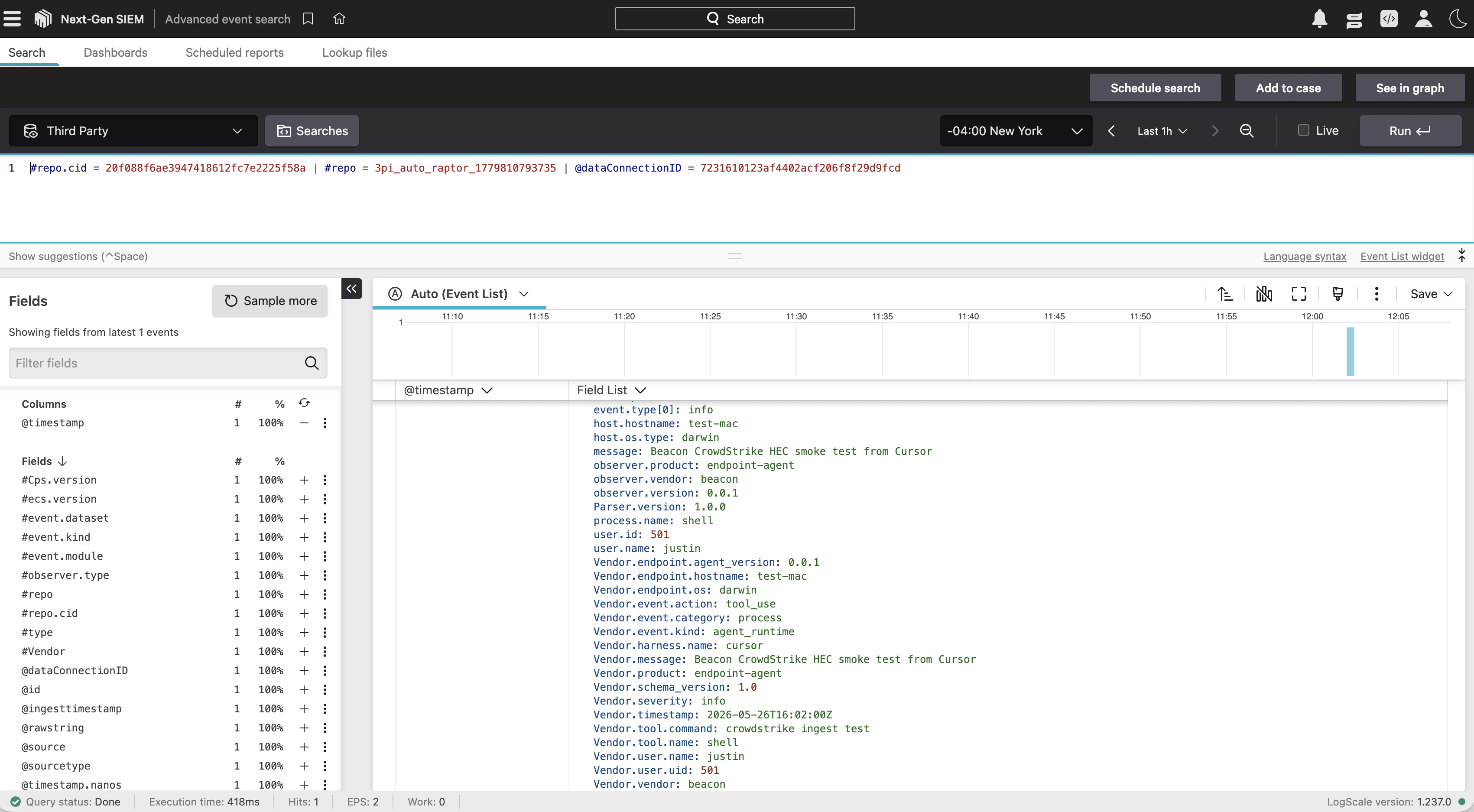
Beacon-managed forwarding
Pass Falcon HEC settings during endpoint install:Settings
| Setting | Recommendation |
|---|---|
| Endpoint | Falcon LogScale HEC ingest endpoint URL |
| Token | Falcon LogScale ingest token from your LogScale administrator |
| Repository | Optional repository for multi-repository tokens, passed with --falcon-index |
| Source | Optional source value. Defaults to beacon-endpoint-agent |
| Parser or sourcetype | Optional parser or sourcetype value. Defaults to json |
| TLS | Use normal certificate validation. Reserve --falcon-insecure-skip-verify for private test endpoints |
--falcon-ca-file /path/to/ca.pem.
Collector behavior
When Falcon HEC is configured, Beacon writes a collector pipeline with both exporters enabled:beaconjson exporter preserves the local runtime log. The falcon_hec exporter sends Beacon-normalized OTLP logs, traces, and metrics to Falcon LogScale as newline-delimited HEC events. Each HEC payload wraps the normalized Beacon event object, includes an @timestamp, and uses the configured token, source, sourcetype, and repository.
Validate forwarding
Confirm Beacon has the destination configured:destinations.falcon_hec.configured is true and that the endpoint, repository, source, and sourcetype match your deployment. The token is not printed.
Then write a validation event:
Content retention
Beacon content retention controls what can be written toruntime.jsonl and forwarded through Falcon HEC. Use metadata or redacted for stricter deployments:
full only when prompt text, tool input, command output, and retained content match your approved telemetry collection policy.
Related
SIEM forwarding
Review forwarding patterns and validation steps.
Endpoint install
Configure Falcon HEC forwarding during endpoint install.
Endpoint repair
Add or update Falcon HEC forwarding on an existing endpoint.
Endpoint event schema
Review normalized Beacon JSONL fields and example events.