

Forwarding overview
Beacon supports CrowdStrike Falcon HEC forwarding in two ways:- Collector forwarding sends OTLP events that pass through Beacon’s local collector directly to Falcon.
- Vector runtime-log forwarding tails Beacon’s local
runtime.jsonlfile and forwards hook-written events to Falcon.
Runtime log paths
Use system mode for MDM deployments so every managed endpoint writes to
/var/log/beacon-agent/runtime.jsonl while the collector forwards to Falcon LogScale.
Falcon LogScale data connection
Use CrowdStrike Falcon LogScale data onboarding to collect Beacon endpoint telemetry from local JSONL logs. Beacon writes one JSON object per line, so create a custom parser before creating the data connection.Open data onboarding
In CrowdStrike Falcon, go to Next-Gen SIEM > Log management > Data onboarding.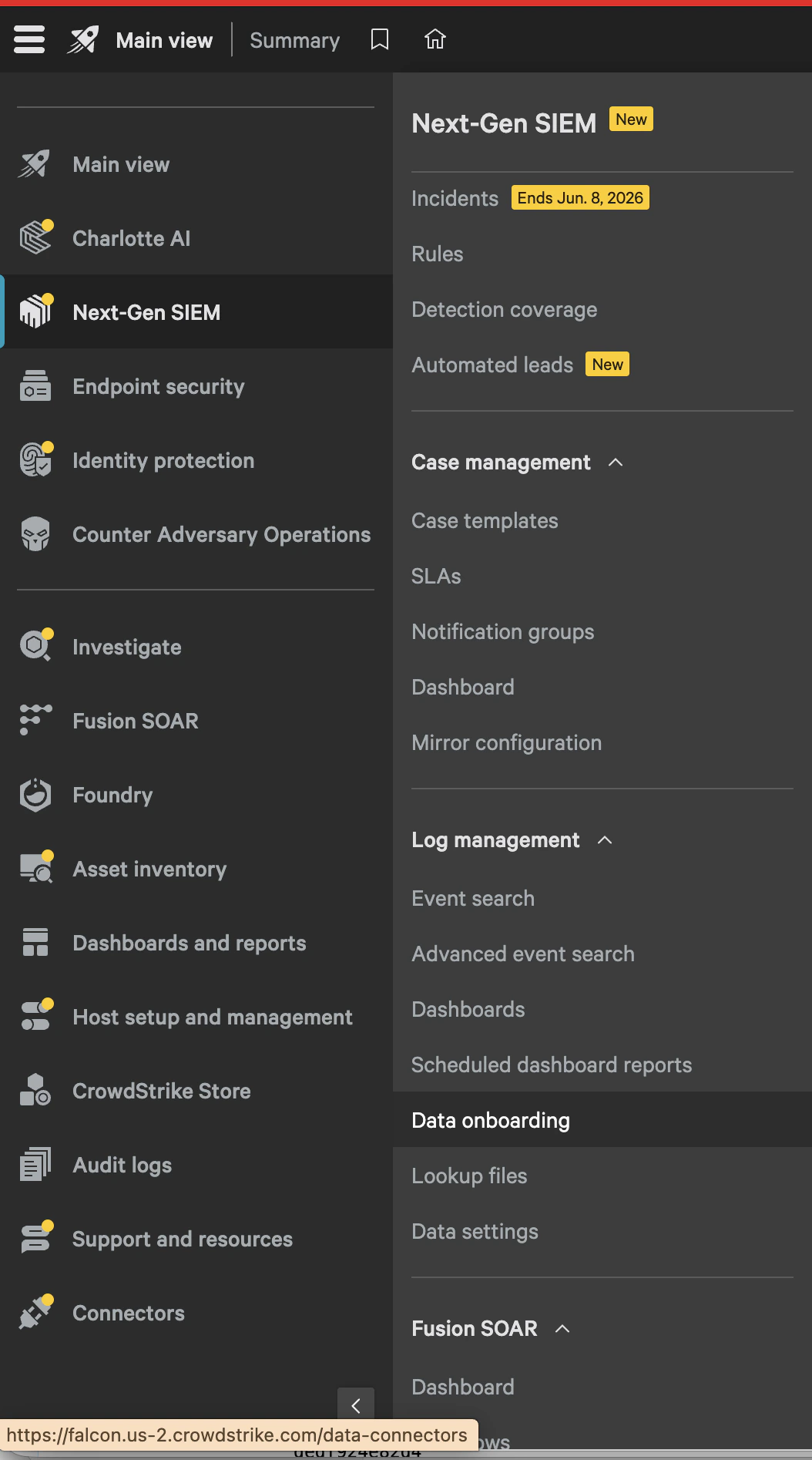
Select the Falcon LogScale collector
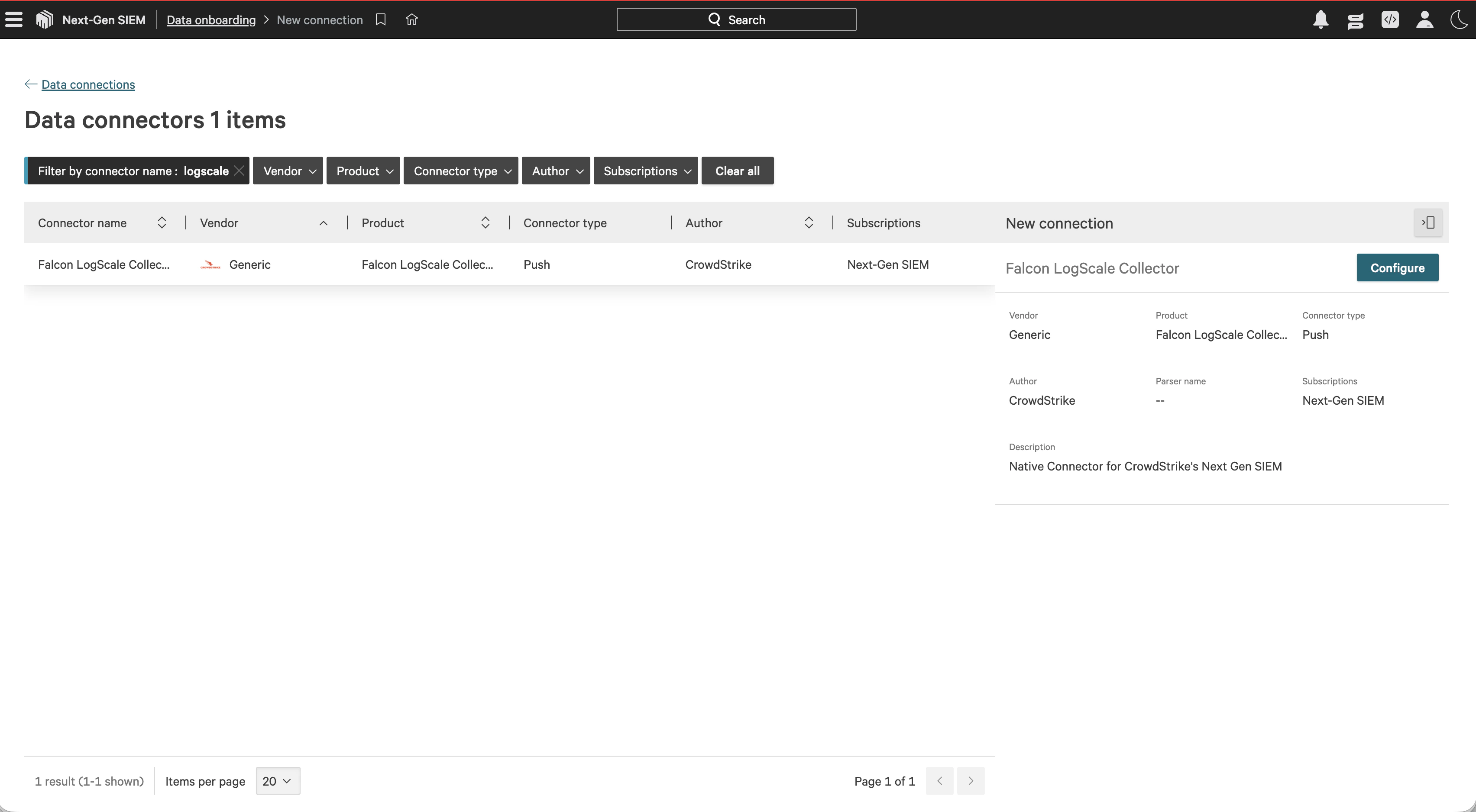
Search forlogscale, select Falcon LogScale Collector, then choose Configure.
Create the Beacon parser
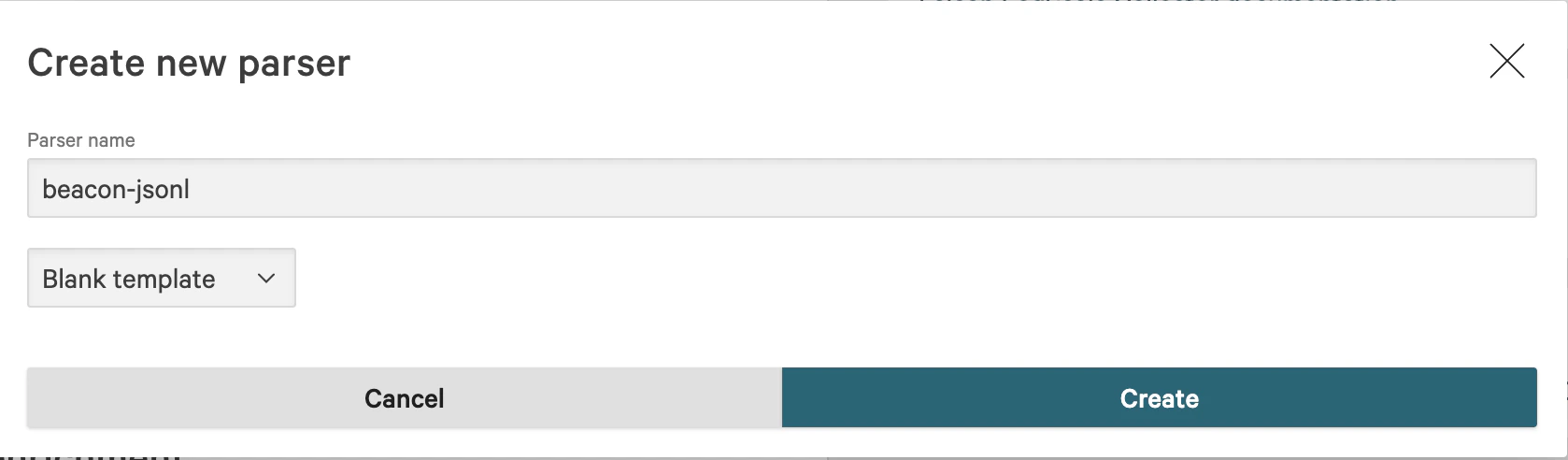
In Parsing and enrichment, select Create new parser. Name the parserbeacon-jsonl, choose Blank template, and create the parser.
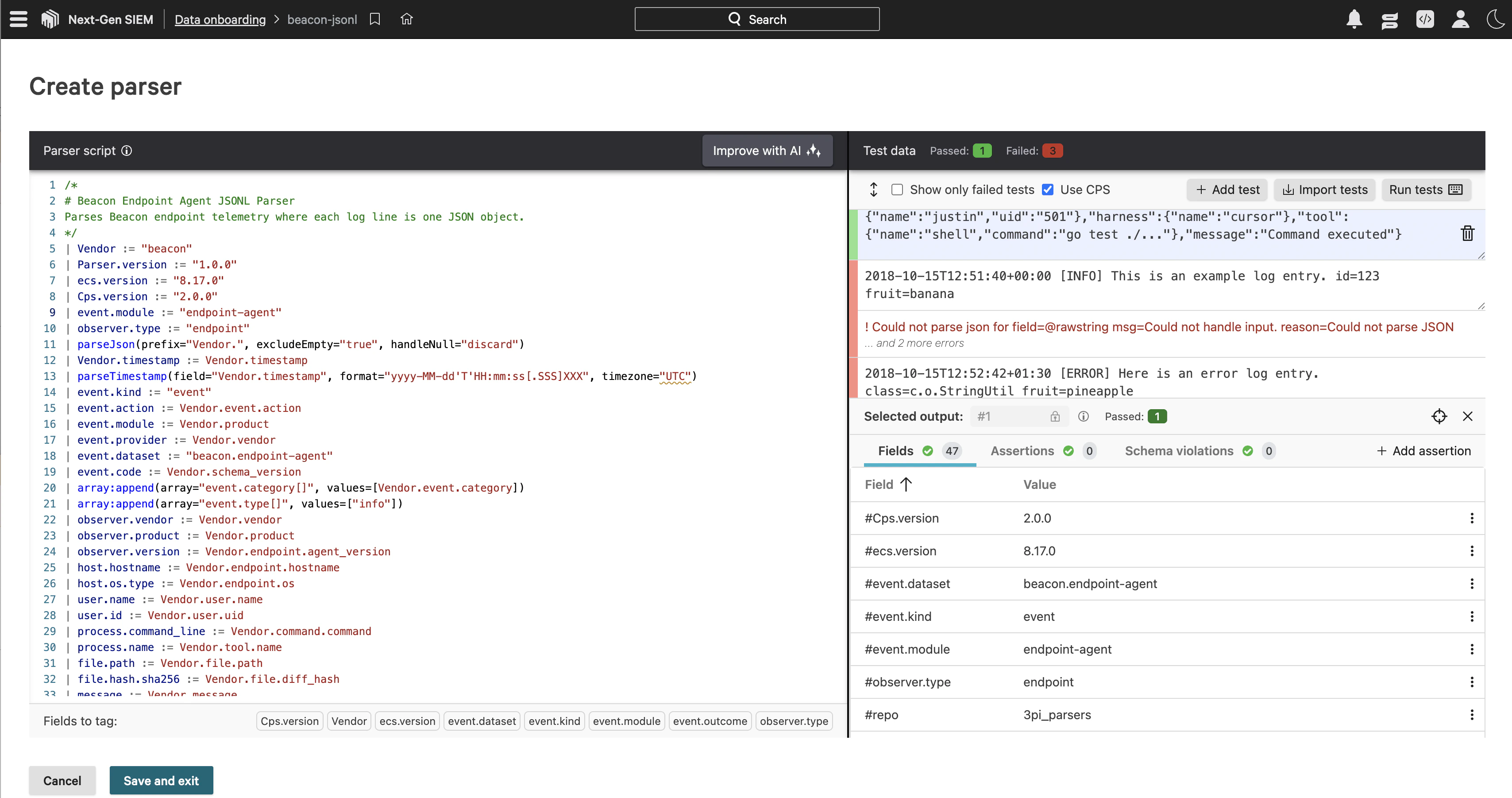
event.dataset, event.action, host.hostname, user.name, process.name, and message. Events that include command.command also populate process.command_line. Save the parser when the sample event passes.
Create the data connection
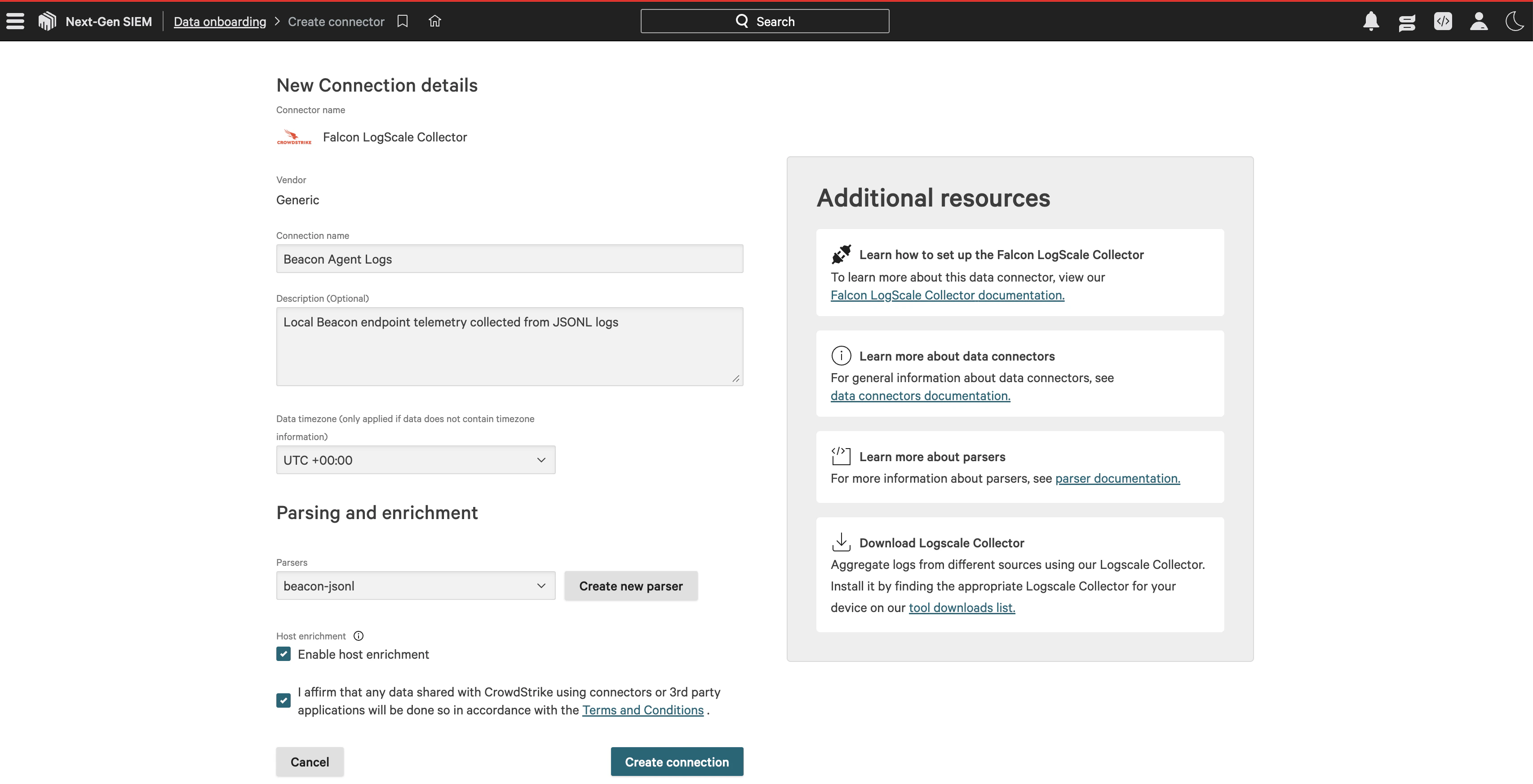
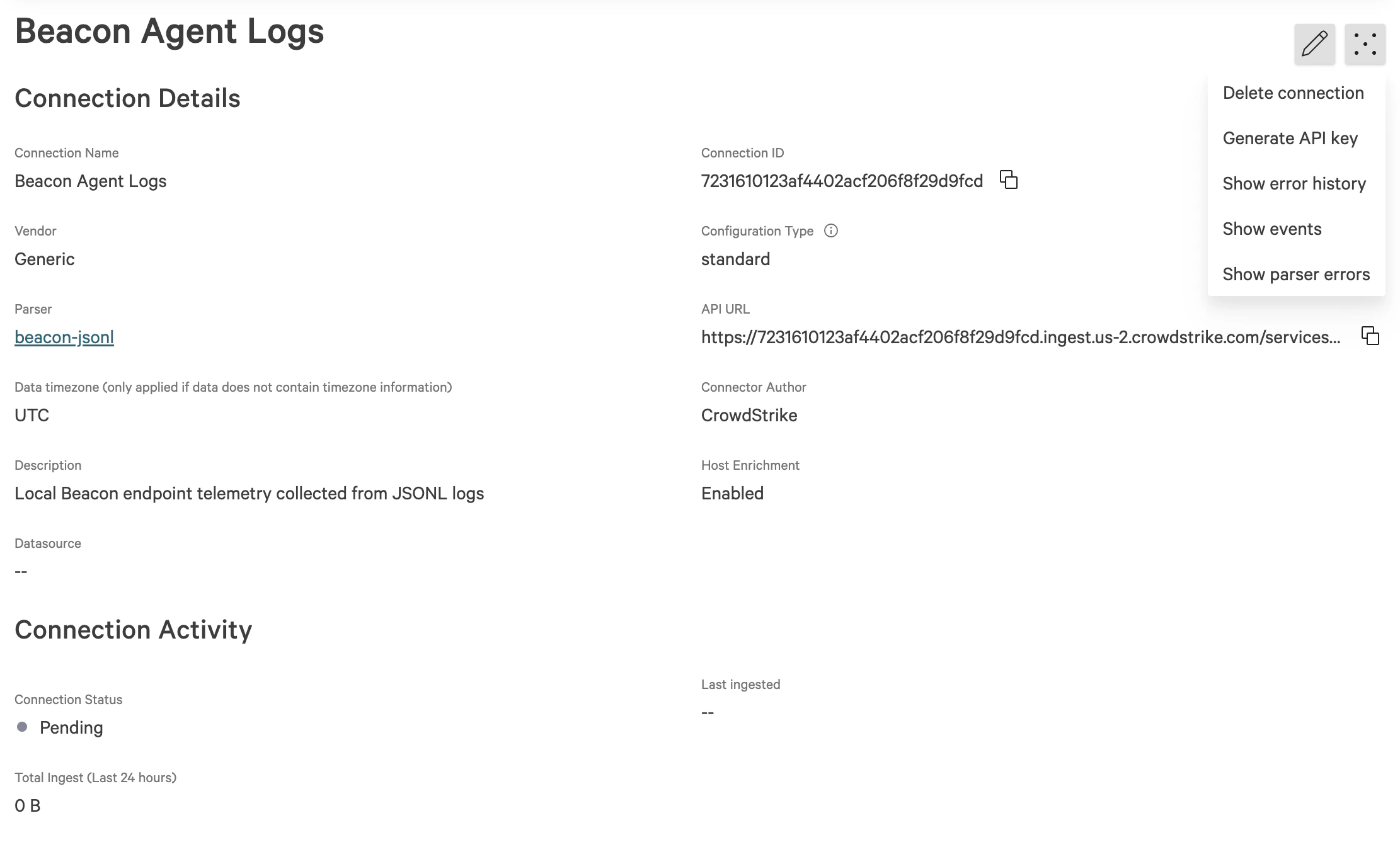
Return to the Falcon LogScale Collector connection details. Enter a connection name such asBeacon Agent Logs, add a description, select the beacon-jsonl parser, enable host enrichment if desired, accept the connector terms, and create the connection.
Run a smoke test
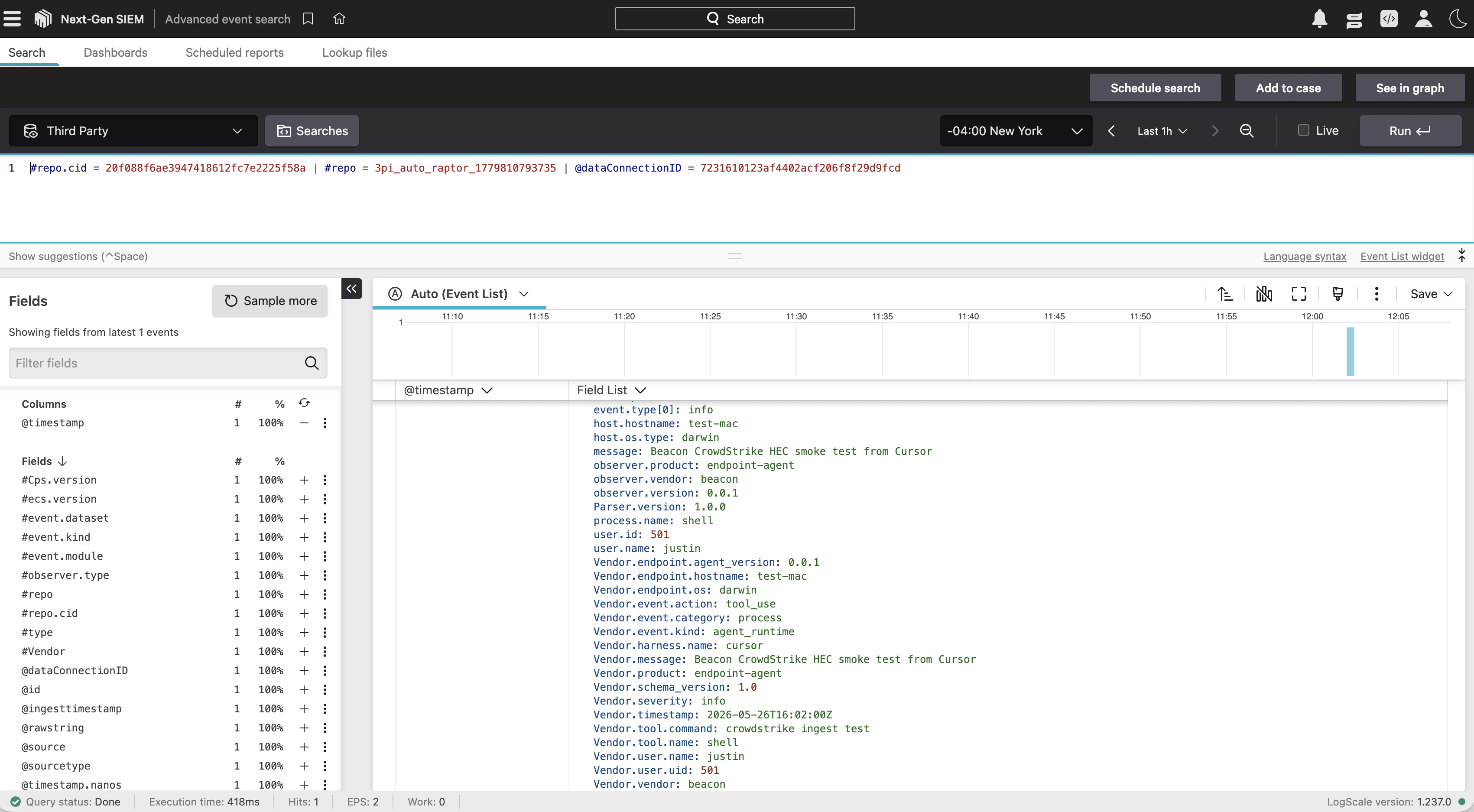
Run this local smoke test, replacing the token value with the API key generated for your data connection:Run the local smoke test
Choose a forwarding path
Collector forwarding
Pass Falcon HEC settings during endpoint install:Pass Falcon HEC settings during endpoint install
Update Falcon HEC on an existing endpoint
Settings
If your Falcon LogScale endpoint uses a private CA, pass the CA bundle with
--falcon-ca-file /path/to/ca.pem.
Collector behavior
When Falcon HEC is configured, Beacon writes a collector pipeline with both exporters enabled:beaconjson exporter preserves the local runtime log. The falcon_hec exporter sends Beacon-normalized OTLP logs, traces, and metrics to Falcon LogScale as newline-delimited HEC events. Each HEC payload wraps the normalized Beacon event object, includes an @timestamp, and uses the configured token, source, sourcetype, and repository.
Vector runtime-log forwarding
Beaconv0.0.49 adds a managed Vector path for hook-only deployments. This is the recommended path when Claude Code hooks write events to runtime.jsonl but the Beacon collector is not the source of those events.
The data flow is:
Package requirement
Use the Beacon macOS package that includes Vector. Homebrew updates thebeacon CLI, but it does not install /opt/beacon/bin/vector or the Jamf helper scripts.
The package installs:
packaging/macos/jamf/claude/falcon/install-forwarder.shpackaging/macos/jamf/claude/falcon/repair-hooks-and-forwarder.shpackaging/macos/jamf/claude/falcon/run-forwarder.sh
Manual setup without Jamf
To simulate the Jamf setup on one Mac, install the Beacon package, then run the packaged helper manually. Jamf reserves script arguments 1-3, so pass_ _ _ before the custom parameters:
Simulate the Jamf setup on one Mac
- prepares
/var/log/beacon-agent/runtime.jsonl, - installs Claude Code hooks for the logged-in console user,
- creates
/Library/Application Support/Beacon/Forwarders/falcon-vector.toml, - stores the token in
/Library/Application Support/Beacon/Forwarders/falcon-vector.env, - starts
com.beacon.endpoint.falcon-forwarder.
Jamf parameters
Use/opt/beacon/jamf/claude/falcon/repair-hooks-and-forwarder.sh when one policy should repair Beacon, install Claude hooks, and start the Vector forwarder.
For a forwarder-only policy, use
/opt/beacon/jamf/claude/falcon/install-forwarder.sh with the same endpoint and token.
Validate hook-only forwarding
Confirm Vector is running:Confirm Vector is running
Generate a unique Claude prompt and confirm it appears locally
Validate forwarding
Confirm Beacon has the destination configured:Confirm Beacon has the destination configured
destinations.falcon_hec.configured is true and that the endpoint, repository, source, and sourcetype match your deployment. The token is not printed.
Then write a validation event:
Write a validation event
Check endpoint status as JSON
Content handling
Beacon applies redaction, sanitization, truncation, and event-size limits before events are written locally or forwarded through Falcon HEC. Review repository access, parser behavior, retention, and downstream consumers so retained telemetry matches your approved collection policy.Related
Log forwarding
Review forwarding patterns and validation steps.
Deploy Beacon With Jamf And CrowdStrike Falcon
Roll out Claude hooks and Falcon runtime-log forwarding with Jamf Pro.
Endpoint install
Configure Falcon HEC forwarding during endpoint install.
Endpoint repair
Add or update Falcon HEC forwarding on an existing endpoint.
Endpoint event schema
Review normalized Beacon JSONL fields and example events.